






















Use the AutoTweet dashboard to create and schedule new tweets. Post new items to Twitter. Keep your friends and followers engaged and on top of the latest news. AutoTweet has become legion—and we social sharers are better off for it.
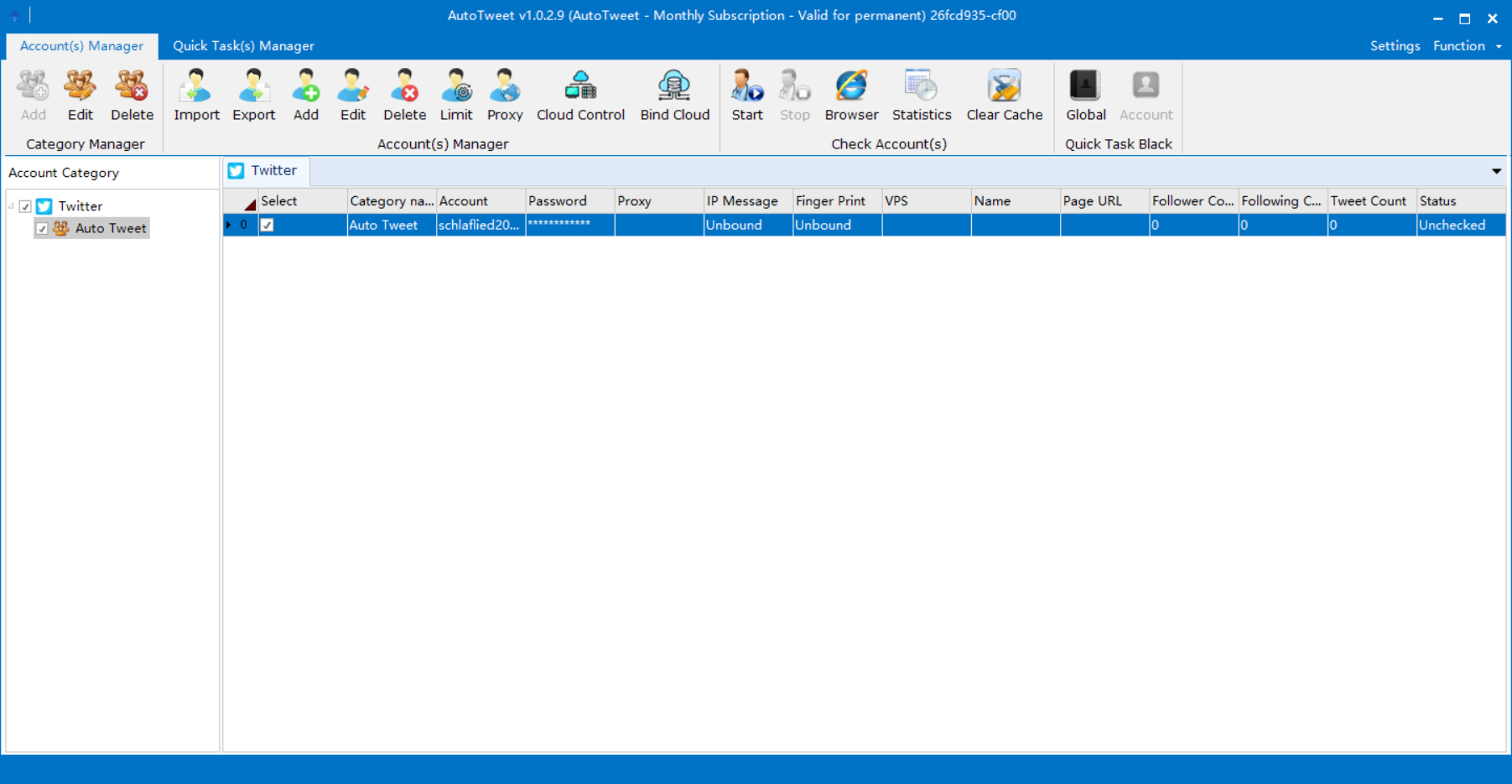
Click account(s) Manager before adding an account category, and then add your accounts. You can use a proxy to log in as well.
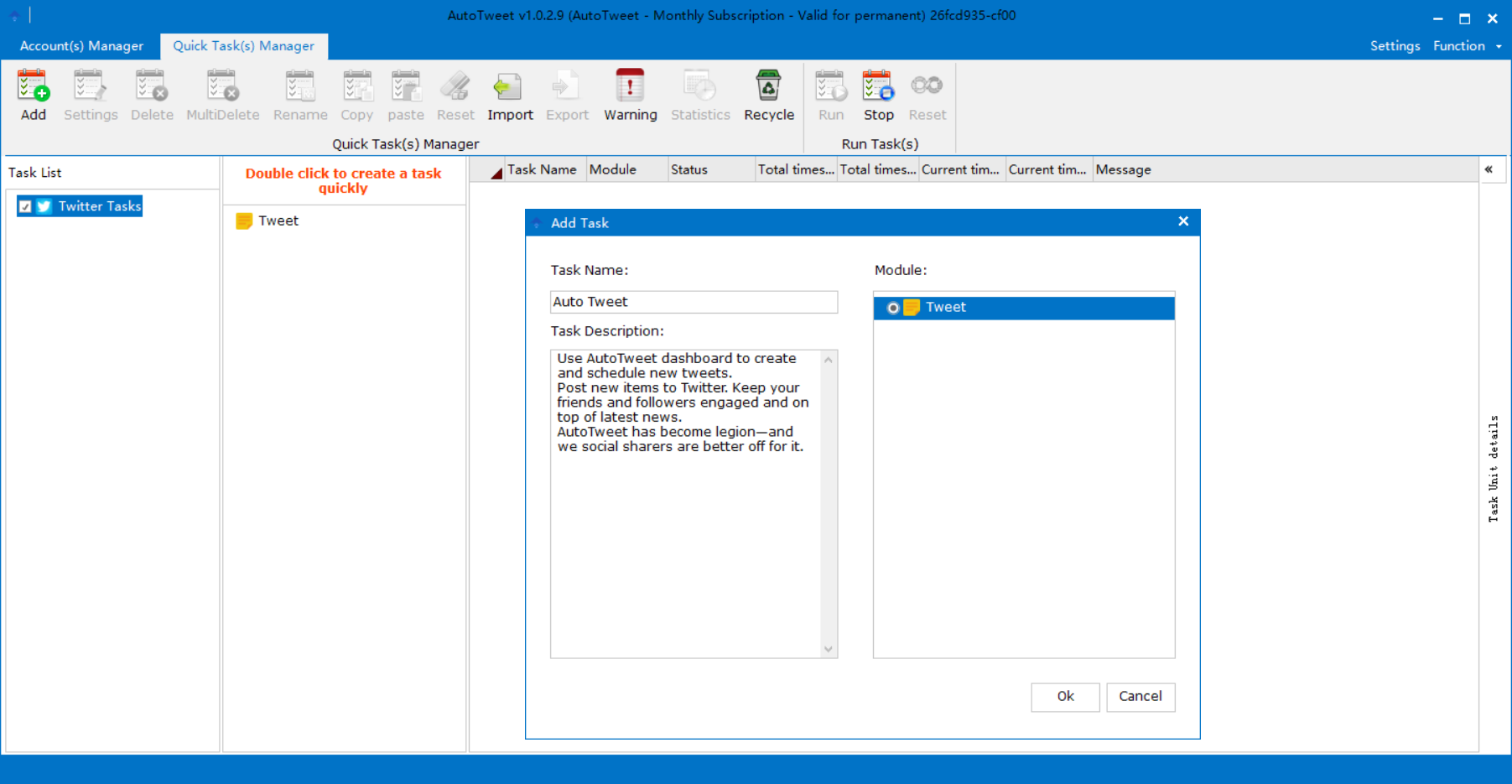
Choose Quick Task(s) Manager and click Tweet to add a new task. Choose a module before you click OK.
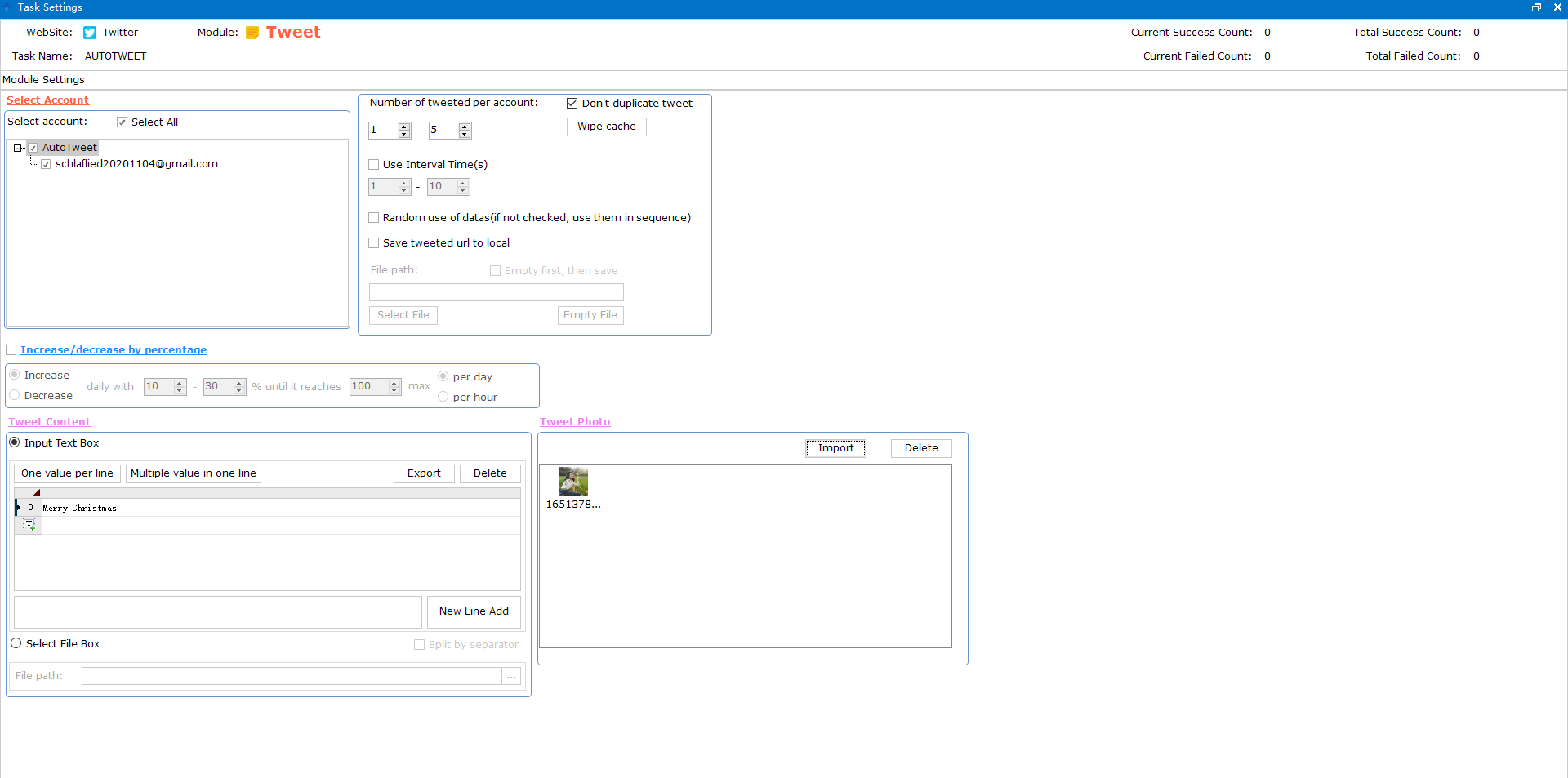
Tick the accounts you want to use and complete the relevant settings. Be sure to click "ok" in the bottom right corner of this page.
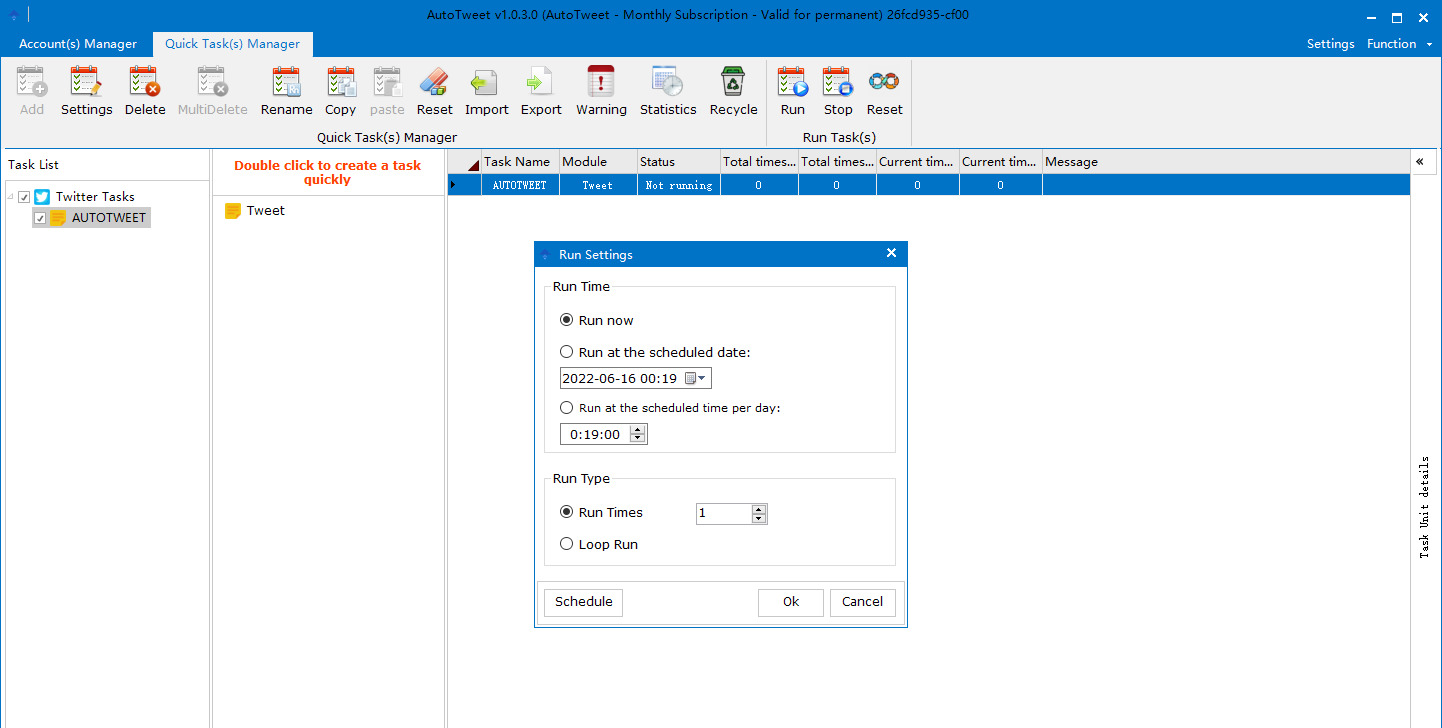
Click "Run" and choose to run now or at the scheduled date.